AI Diagram Generator & Editable Diagram Converter
Turn Text, Images & PDFs into Editable Diagrams
Create flowcharts from prompts or recover editable diagrams from images, PDFs, screenshots, and whiteboards. Edit by chat and export to PNG, SVG, PDF, Draw.io, Mermaid, or Excalidraw.
Text to Diagrams
Turn plain English into editable flowcharts, tree diagrams, probability trees, ERDs, and more — no manual wiring.
Recover Old Diagrams
Upload screenshots, PDFs, whiteboard photos, or old flowchart images and rebuild them as editable diagram objects.
Edit by Chat
Ask AI to rename nodes, add steps, simplify branches, rewire connections, or restyle your diagram instantly.
Export Anywhere
Export clean diagrams to PNG, SVG, PDF, Draw.io-compatible files, Mermaid code, Excalidraw, and shareable links.
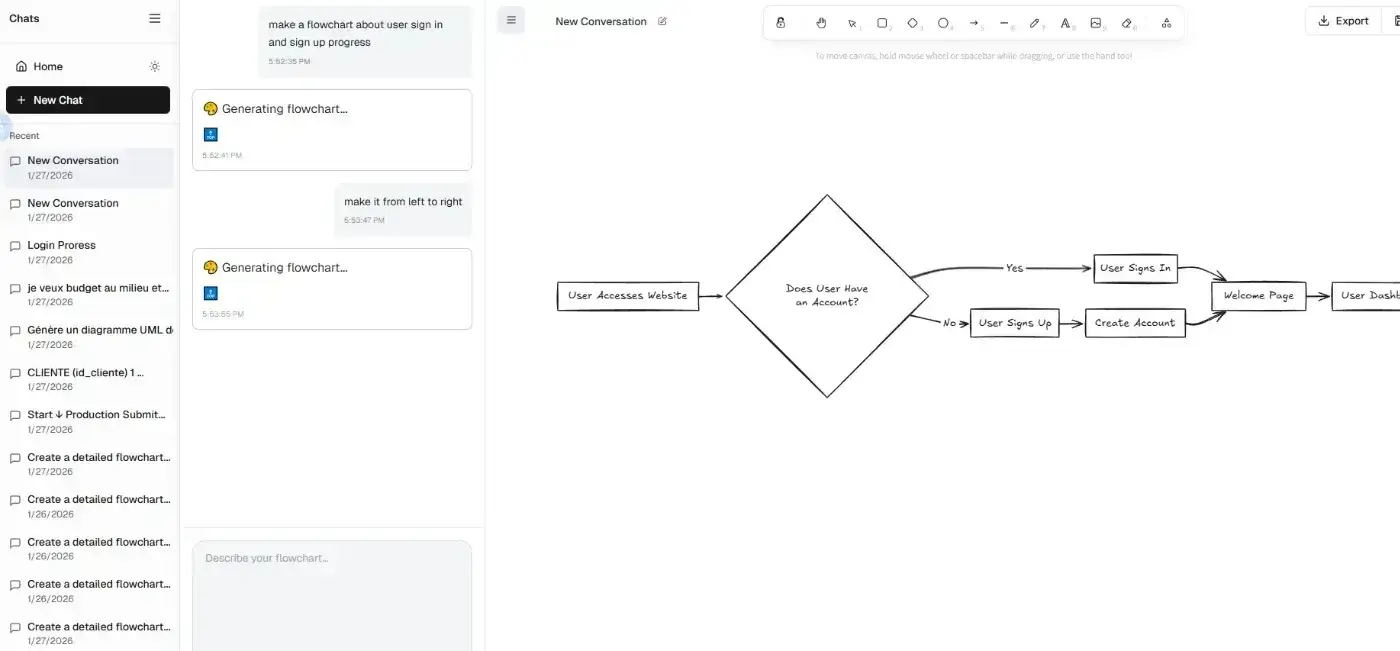
SEE CHATFLOWCHART IN ACTION
Turn ideas, images, and logic into editable diagrams
Create editable diagrams from text, convert images into flowcharts, or export your work as a flowchart animation video—all in one AI flowchart maker.
Generate Flowcharts from Text
Turn a paragraph, bullet list, or rough notes into a clean flowchart in seconds with our AI flowchart generator.
Convert Images to Flowcharts
Upload a screenshot, whiteboard photo, or old diagram and turn it into an editable flowchart.
Export Flowcharts as Video
Create a flowchart animation video to explain workflows, present systems, or share process logic visually.
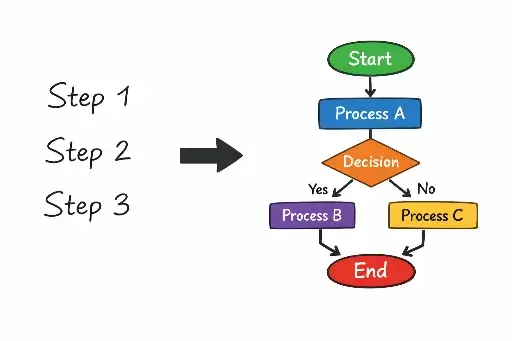
Text to Flowchart
How to Use the Online Flowchart Maker
Create editable flowcharts in four simple steps.
Why use an AI flowchart maker?
Start with a process description instead of a blank canvas. ChatFlowchart builds an editable draft, lays out each step and decision, and lets you refine the result through chat.
No signup required • No credit card needed • Make a free flow chart in seconds
IMAGE TO FLOWCHART
Convert any image into a clean, editable flowchart — online
Convert images into flowcharts in seconds. Upload a screenshot, scan, JPG/PNG export, or a hand-drawn flow chart picture — ChatFlowchart detects shapes, arrows, and labels, then rebuilds your image as an editable flowchart. Turn an image into a flowchart, refine it in canvas, and export/share your flowchart with pictures anytime.
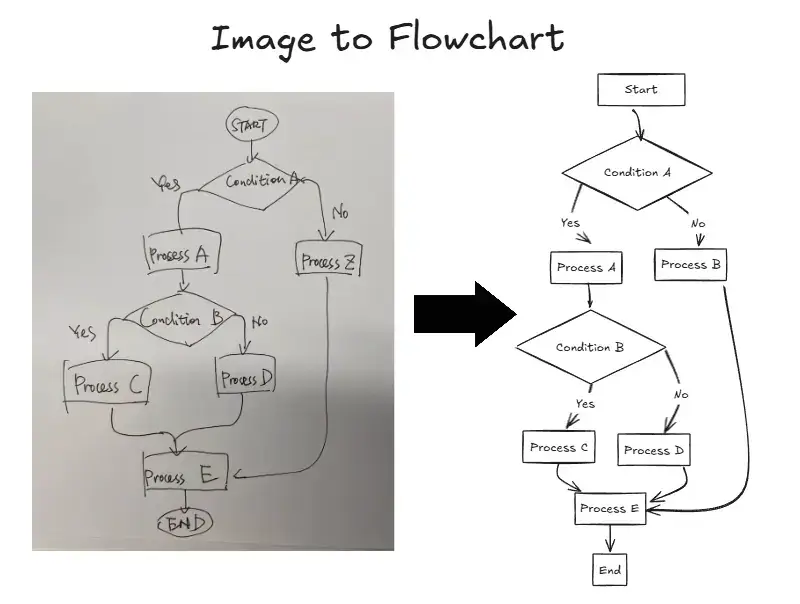
What you get instantly
No more redrawing. This image to flowchart converter recognizes messy flowchart images (whiteboards, scans, process flow diagram images) and returns a polished flow chart with images you can edit immediately.
Upload an image (PNG, JPG, WEBP, GIF) — screenshot, scan, or flow chart pic
Optionally add a note to the flowchart
Open the regenerated flowchart in canvas to edit, then export and share
Featured converters
Start with the highest-intent converters for rebuilding editable diagrams from images, PDFs, and mixed sources.
Flowchart Usecase
Real-World Use Cases
Discover how professionals use Diagram AI and AI flowcharts across industries
Flowchart Maker
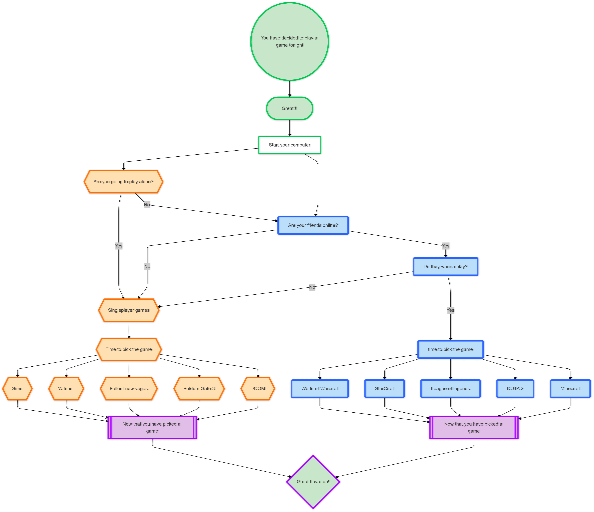
Generate clean, editable flowcharts with AI. Describe any process in plain text and instantly turn it into a structured, professional diagram.
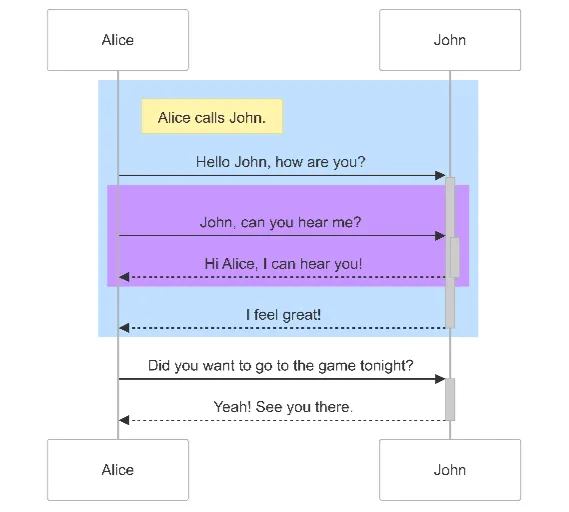
Sequence Diagram Maker
Generate UML sequence diagrams with AI to visualize how components, services, or systems interact over time.
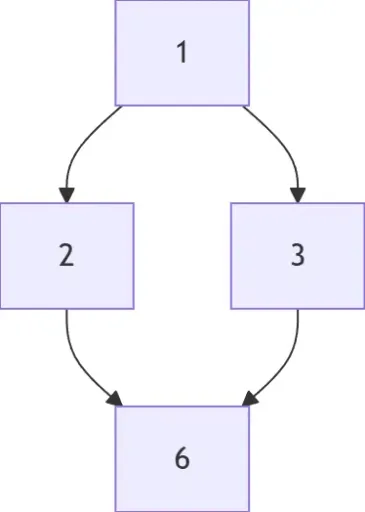
Hasse Diagram Generator
Generate Hasse diagrams from any partially ordered set (poset). Perfect for mathematics, discrete structures, logic, and computer science.
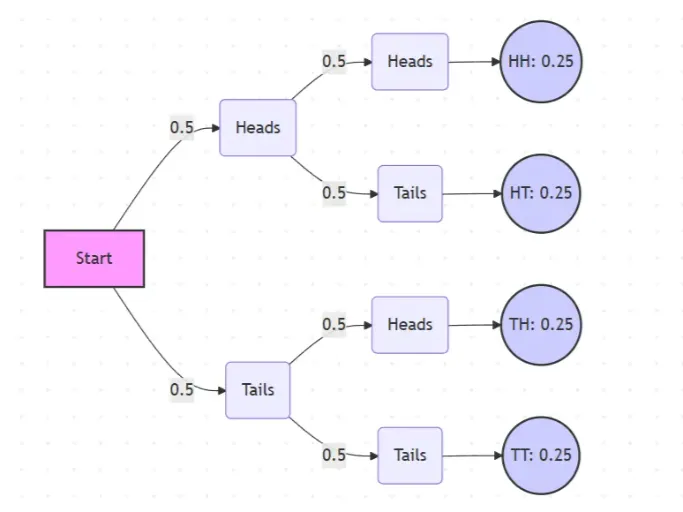
Probability Tree Diagram Generator
Create a probability tree diagram online to visualize conditional probability, dependent events, and multi-step outcomes. Use it as a probability tree diagram calculator for examples, exams, and real-world problems.
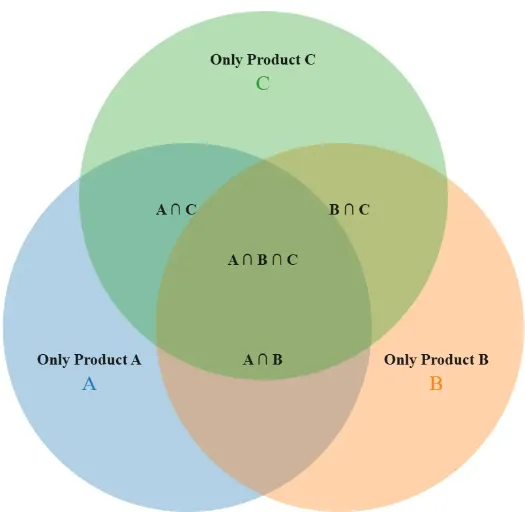
Venn Diagram Maker
Create Venn diagrams online with an easy-to-use Venn diagram maker. Generate 2, 3, 4, or more circle Venn diagrams for math, statistics, probability, and data visualization — free and online.
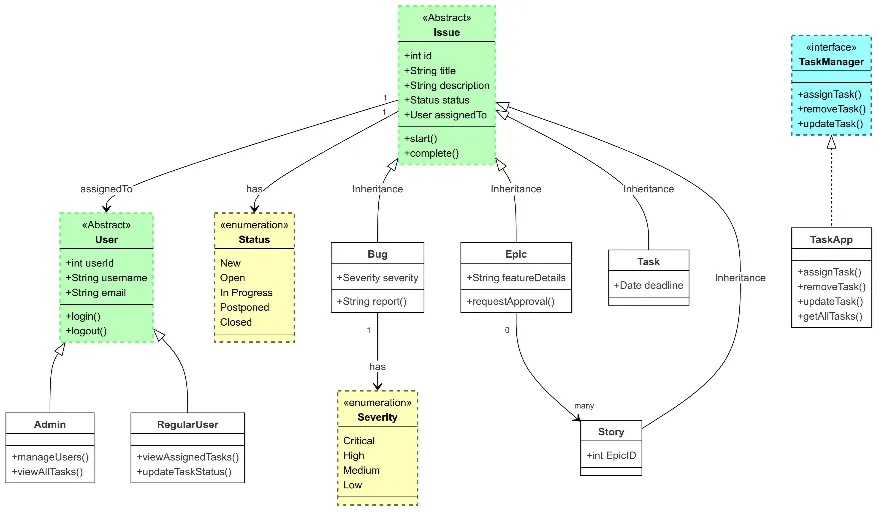
Class Diagram Maker
Generate UML class diagrams with AI to design object-oriented systems, document relationships, and model software architecture.
Flowchart Templates
Ready-to-Use AI Templates
Not sure where to start? Pick an AI diagram template, add your content, and let Diagram AI auto-fill and style the flowchart or tree diagram.
Basic Flowchart Template
Clean, standard flowchart style. Generate by chat, edit instantly, and export PNG/SVG/PDF
Default Sequence Diagram
Standard sequence diagram for showing object interactions over time
Standard Class Diagram
Traditional UML class diagram showing object-oriented structure
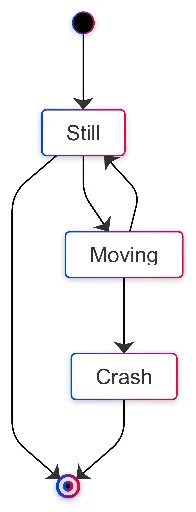
Workflow State Diagram
Clear state machine diagram for workflow and process states
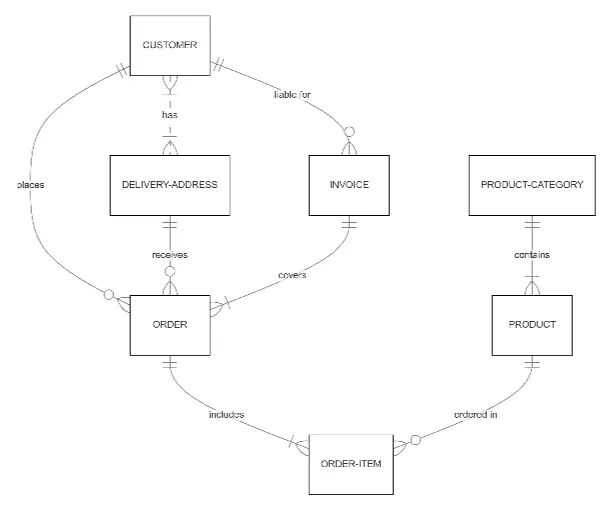
Normalized ER Diagram
Well-structured entity-relationship diagram for database design

Project Gantt Chart
Comprehensive project timeline with tasks and dependencies
Smarter Flowchart Maker
Why Choose Our AI Flowchart Maker?
Built for professionals who value speed, quality, and flexibility
- Conversational Creation
- Work the way you think, using natural language.
- Edit by Chat
- Modify your diagram through conversation — rename nodes, add steps, or adjust connections instantly.
- 10+ Diagram Types
- From business to architecture, statistics, and education.
- Auto Layout & Styling
- Clean visuals with one click.
- Collaboration
- Share, comment, and track versions.
- Data Safety
- Private by default; optional self-host.
More about Flowchart Maker
FAQs
- Can I generate a flowchart from text or a paragraph?
Yes. Paste plain English or bullet points; the AI parses steps and decisions to build a clean flowchart.
- Can I generate other diagrams like tree diagrams or ERDs?
Yes. You can use our Diagram AI as a tree diagram maker, probability tree maker, ERD maker AI, and more — all from text prompts.
- Can I edit the flowchart by chat?
Yes. Rename nodes, add steps, rewire connections, and adjust layout through chat.
- What export formats are supported?
PNG, SVG, and PDF.
- Which diagram types are supported?
Flowchart, UML, ERD, Mind Map, C4, BPMN, Org Chart, and more—over ten types in total.
- Do I need to sign up? Is it free?
You can try it online for free without signing up.
- Can I modify diagrams by chat?
Yes. Use conversational commands to rename text, add or delete nodes, and adjust connections or layout. For example: "Rename 'Auth' to 'Authentication Service'," "Add a decision node after Step 2," "Remove the legacy API node," or "Connect Checkout → Payment Service." Changes apply instantly and remain fully editable.
Ready to Create Your First Diagram?
Start creating professional diagrams and flowcharts in seconds with AI. No signup required.